How to sign in
Use your Kuwait University email and password. Signing in shows your loans and fines, saves your searches and gives you full access from off campus.
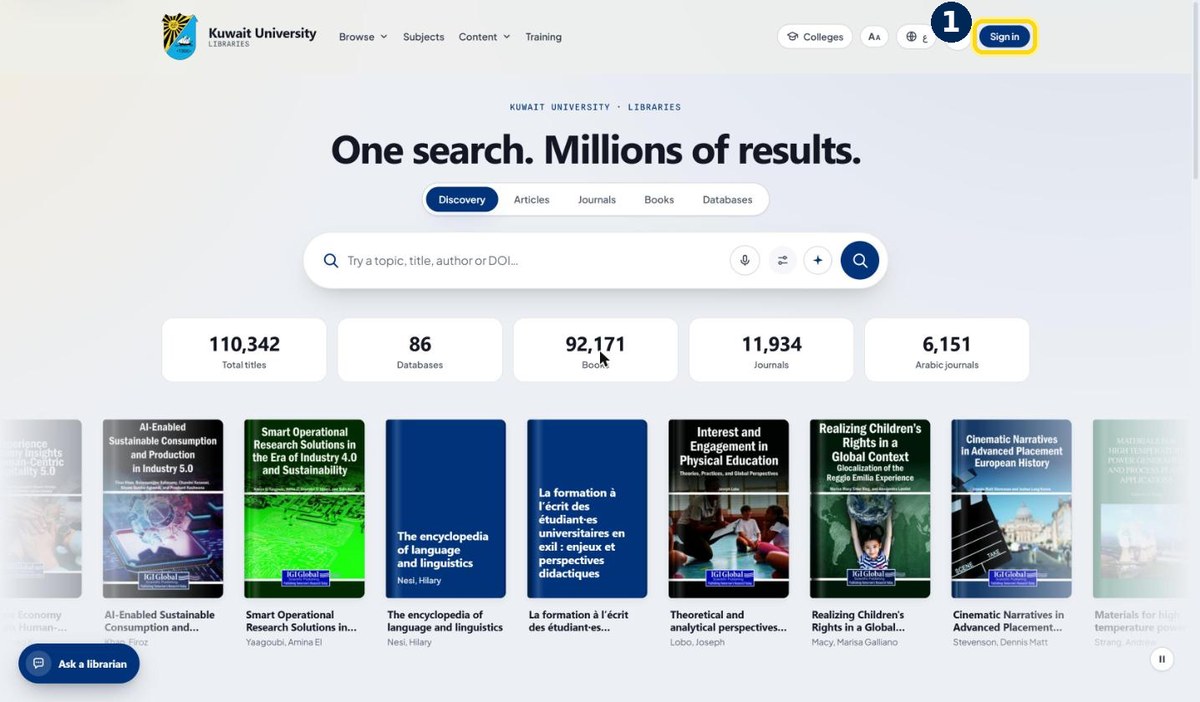
- 1
Click “Sign in” at the top right
On any page of eresources.ku.edu.kw
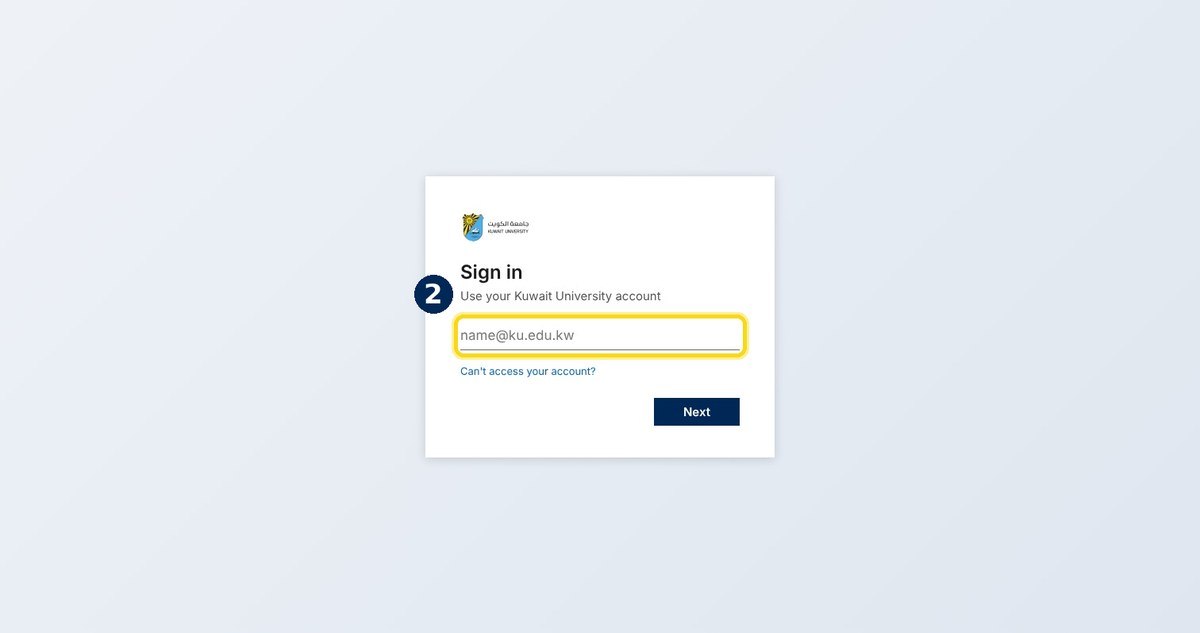
- 2
Enter your KU email, then your password
The university sign-in page opens — the same account as your email
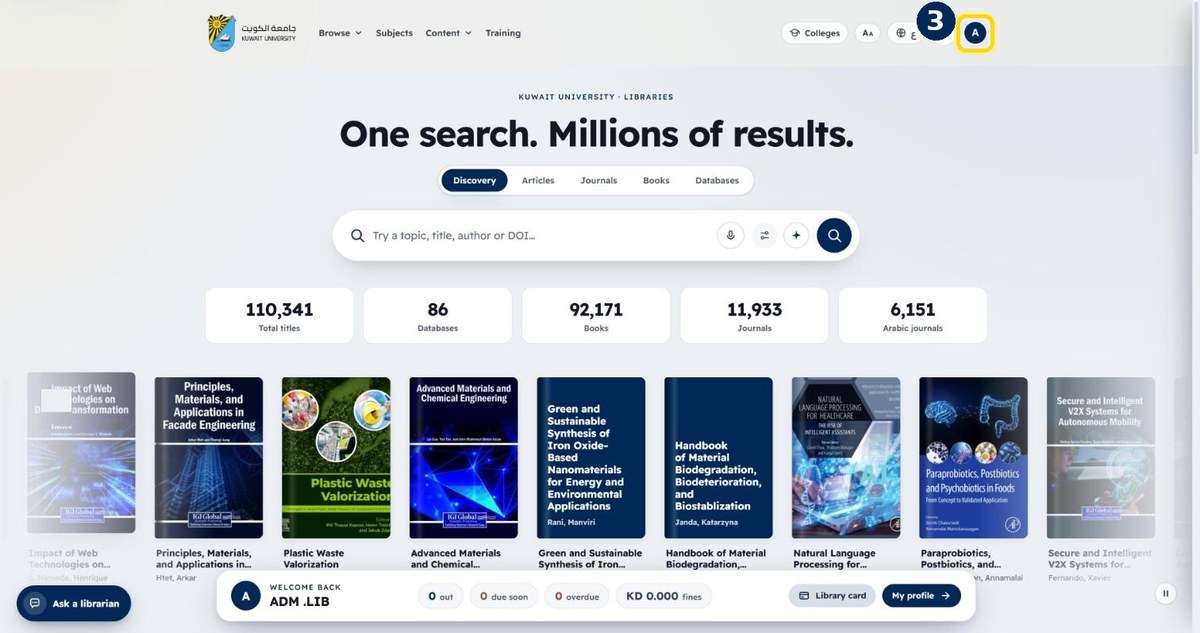
- 3
Your initial appears at the top right
You are signed in. Click it any time to open My Library