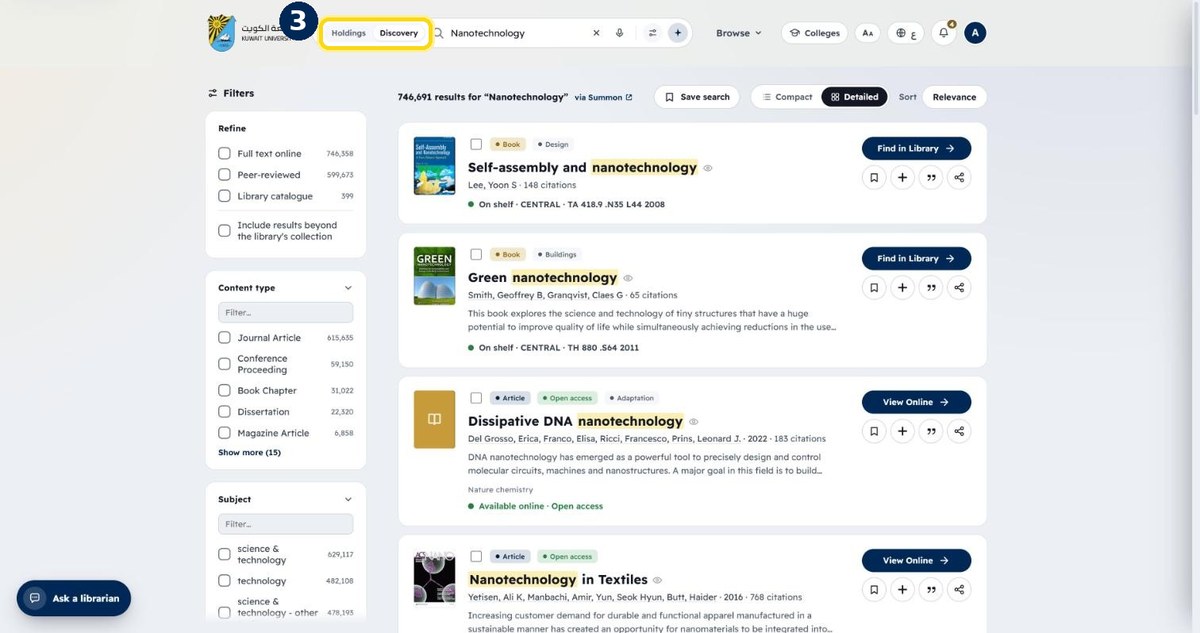
How to search for resources
One search box covers the library catalogue and millions of online articles, e-books and journals.
- 1
Type a topic, title, author or DOI
Then press Enter
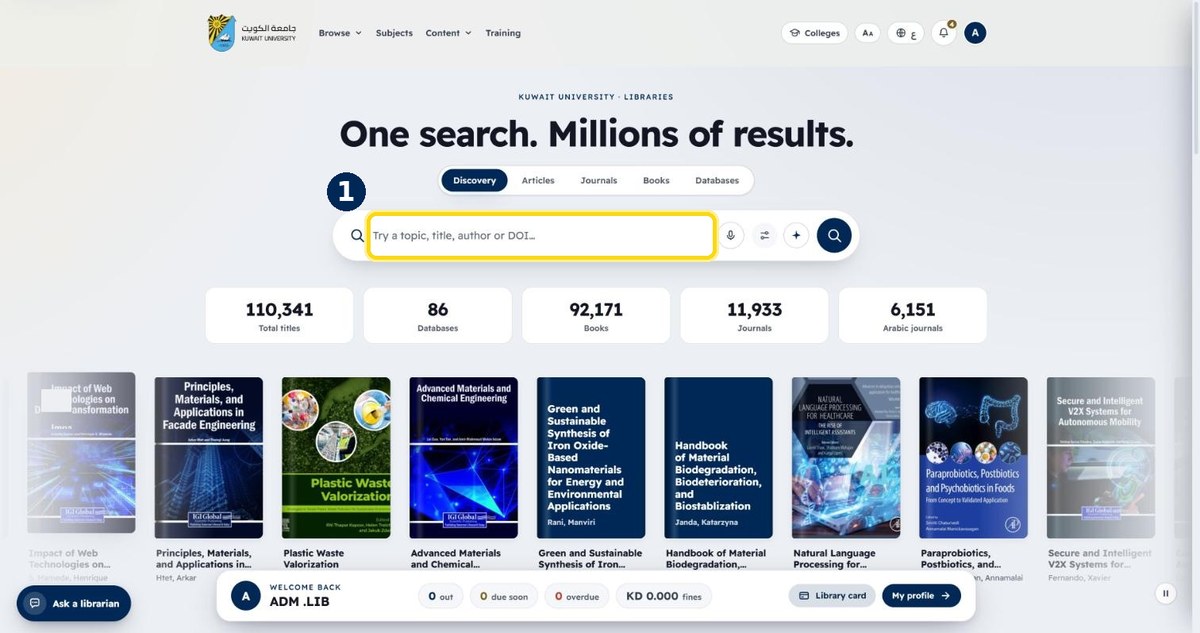
- 2
Results show books, articles and more
“Find in Library” for print copies · “View Online” for electronic ones
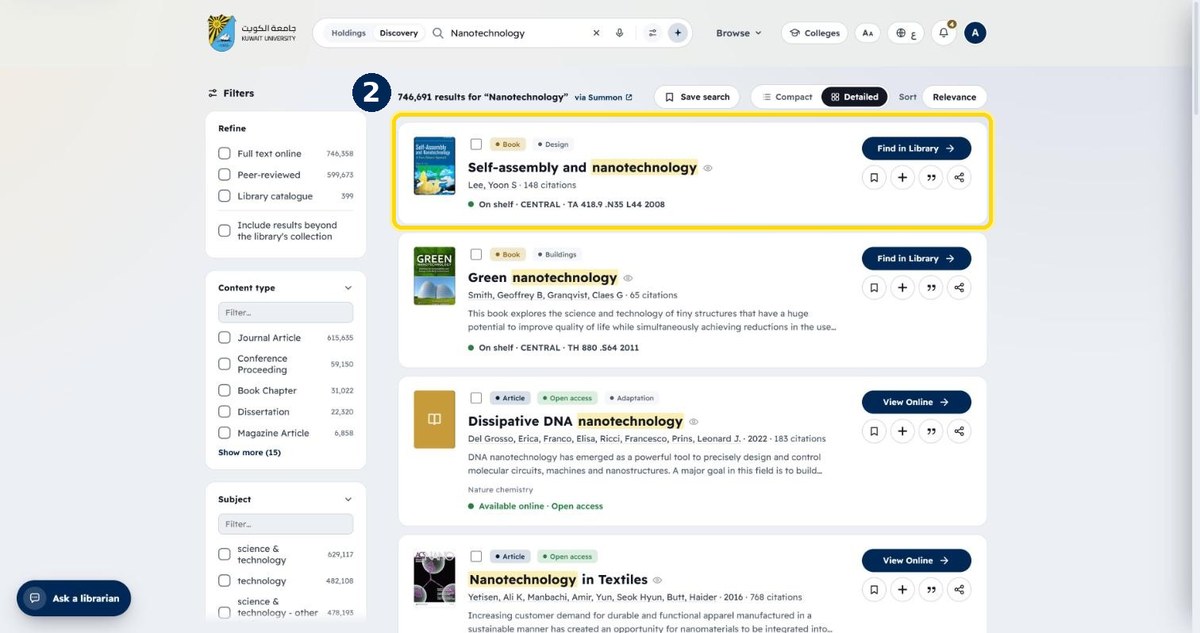
- 3
Switch between Discovery and Holdings
Discovery = everything · Holdings = only what the library owns