How to browse the books
The Books list shows the whole collection. Filter by title, subject or publication year and open e-books with View Online.
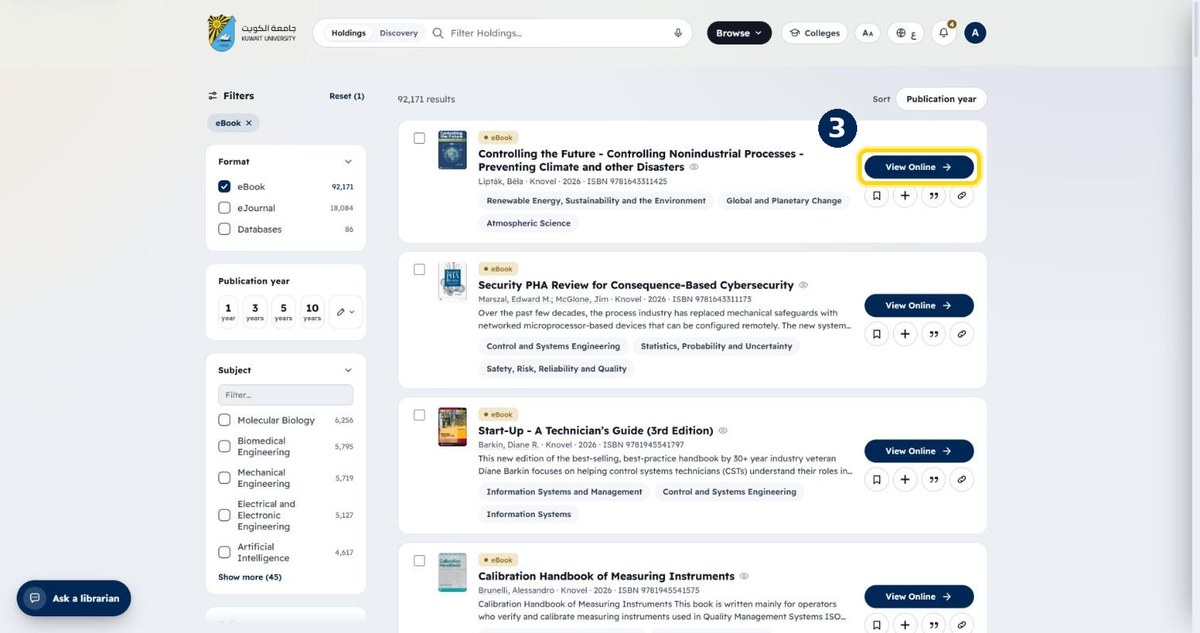
- 1
Open Browse → “Books”
From the top menu
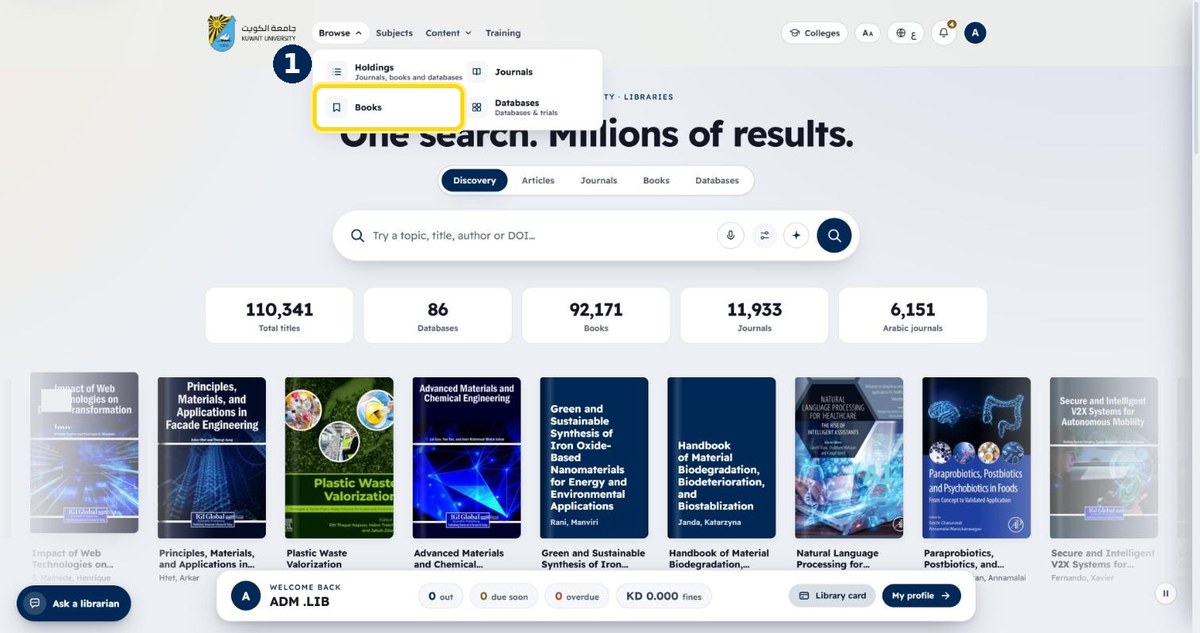
- 2
Filter by title, or use the side filters
Subject, publication year, type
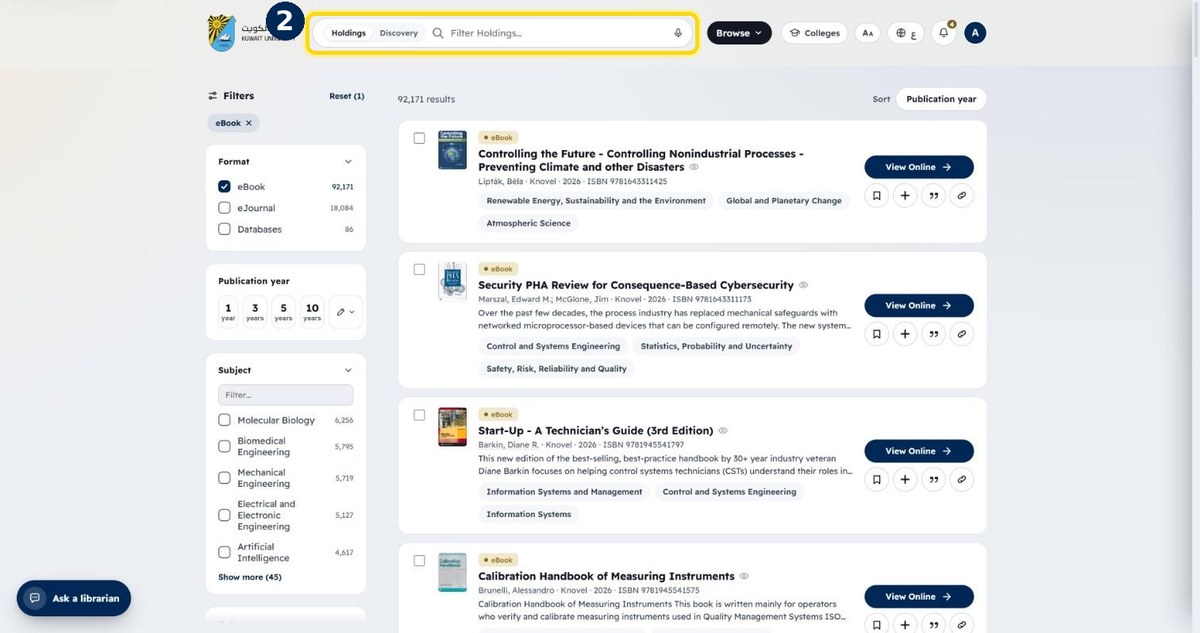
- 3
Click “View Online” to read an e-book
Printed books show their shelf location instead